

Modules
Automatic reconnect
Reconnect automatically after a drop or kick: delay, attempt count and how the counter works.
Last updated: October 29, 2026
If the server restarts, the connection drops or the bot is kicked, the bot waits for the delay you set and connects again. It is on by default and is the most important part of an AFK bot.
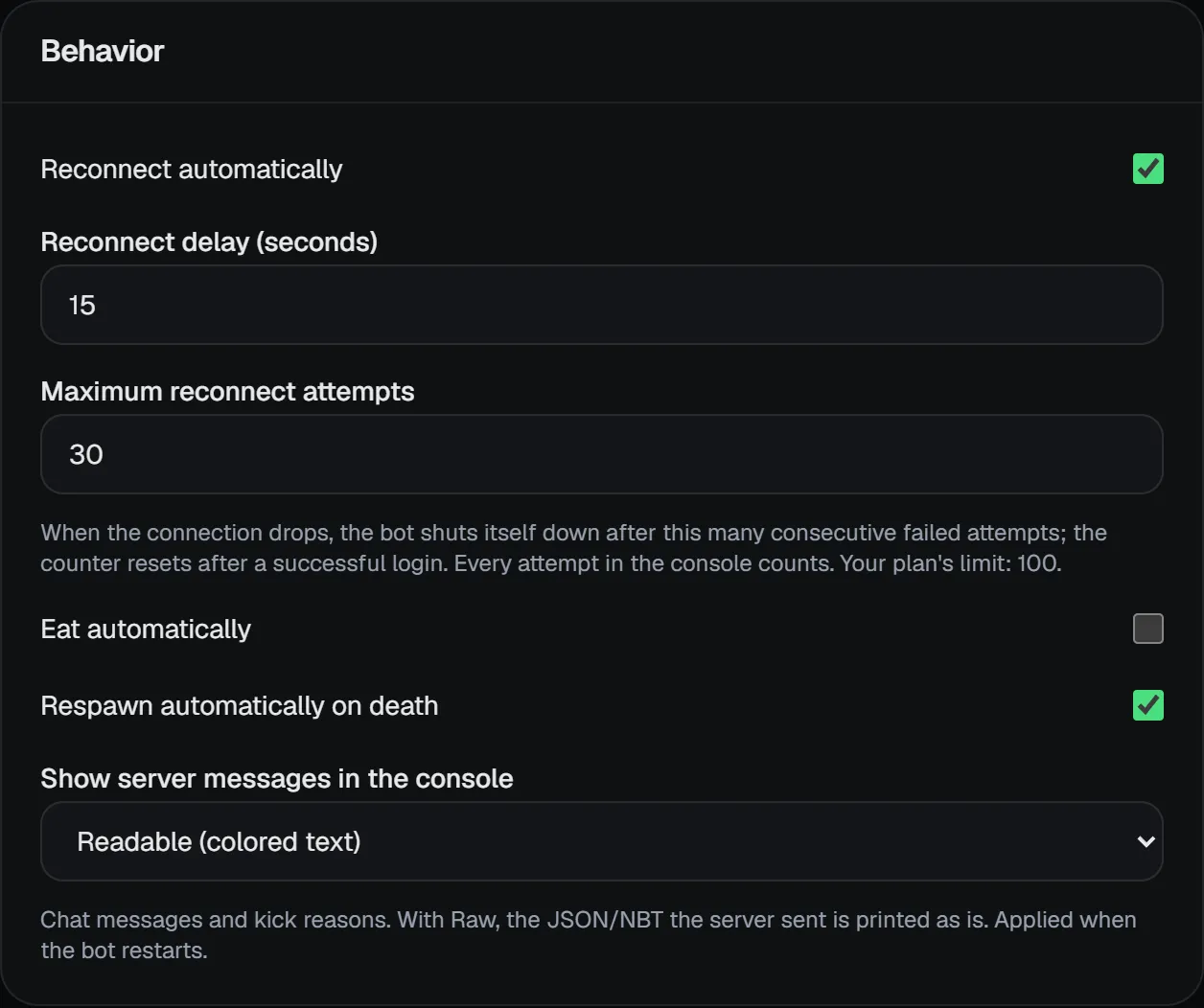
| Setting | Default | Range |
|---|---|---|
| Reconnect automatically | Yes | - |
| Reconnect delay (seconds) | 15 | 5-600 |
| Maximum reconnect attempts | 30 | 1-1000 (up to your plan's limit) |
How the attempt counter works
- Every failed connection counts as one attempt. A server that does not answer within 60 seconds also counts as a failure.
- The console shows the counter, e.g.
attempt 2/30. - The counter resets once the bot stays on the server for 5 minutes in a row.
- If the attempt limit is reached in a row, the bot shuts itself down. Raise the setting to allow more (up to the most your plan allows).
Anti-bot systems like Sonar may verify the bot on its first join and kick it with "reconnect". That is normal; with auto-reconnect on, the bot gets in on the next attempt.