

Balance and payments
Buying and renewing a plan
Buy a plan with balance: plan features, owning several plans, extending with Renew and the agreements.
Last updated: October 31, 2026
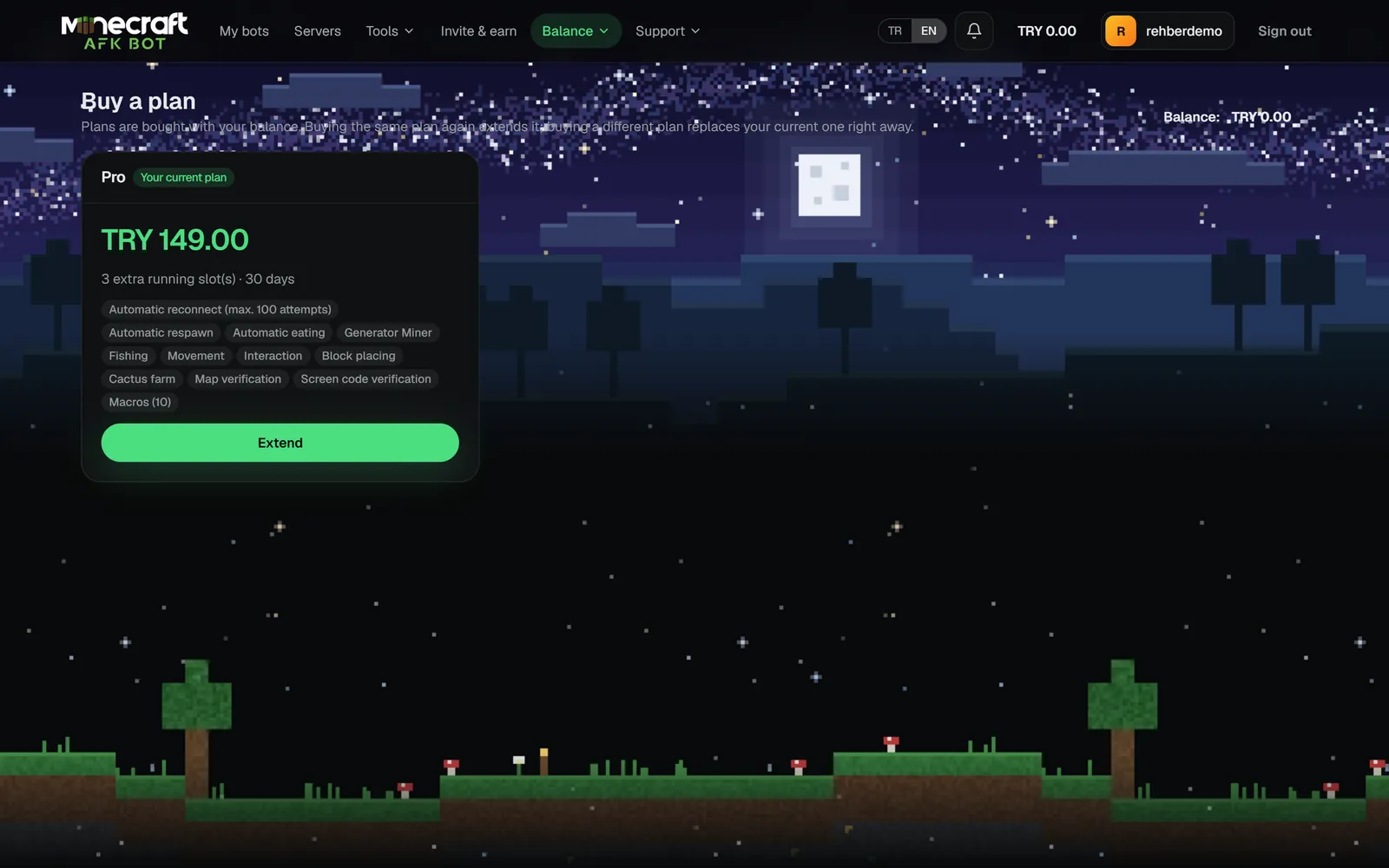
Balance → Buy a plan lists the plans on sale with price, duration, extra running slots and included features. Current prices are always on that page.
- 1Pick a plan; enter a discount code if you have one.
- 2Accept the preliminary information form and the distance sales agreement.
- 3Buy. The amount is taken from your balance and the plan starts at once.
Several plans and renewing
| Purchase | Result |
|---|---|
| Buying the same plan again | A separate running slot is added: buy Basic twice and you run 2 bots on Basic. Each one has its own end date. |
| Buying a different plan | The new plan is added next to your current plans; none of them is cancelled. |
| Extending | Press Renew on the My running slots card, pick the plan to renew and extend it by 1-12 months. A plan can be extended to at most one year ahead. |