

Balance and payments
Balance and redeeming balance codes
Redeem a balance code in the panel or on Discord to top up your account, and follow your transactions.
Last updated: October 29, 2026
Balance is digital credit used to buy plans inside AFKBot. It is added to your account with a balance code. Your current balance is shown in the panel's top menu.
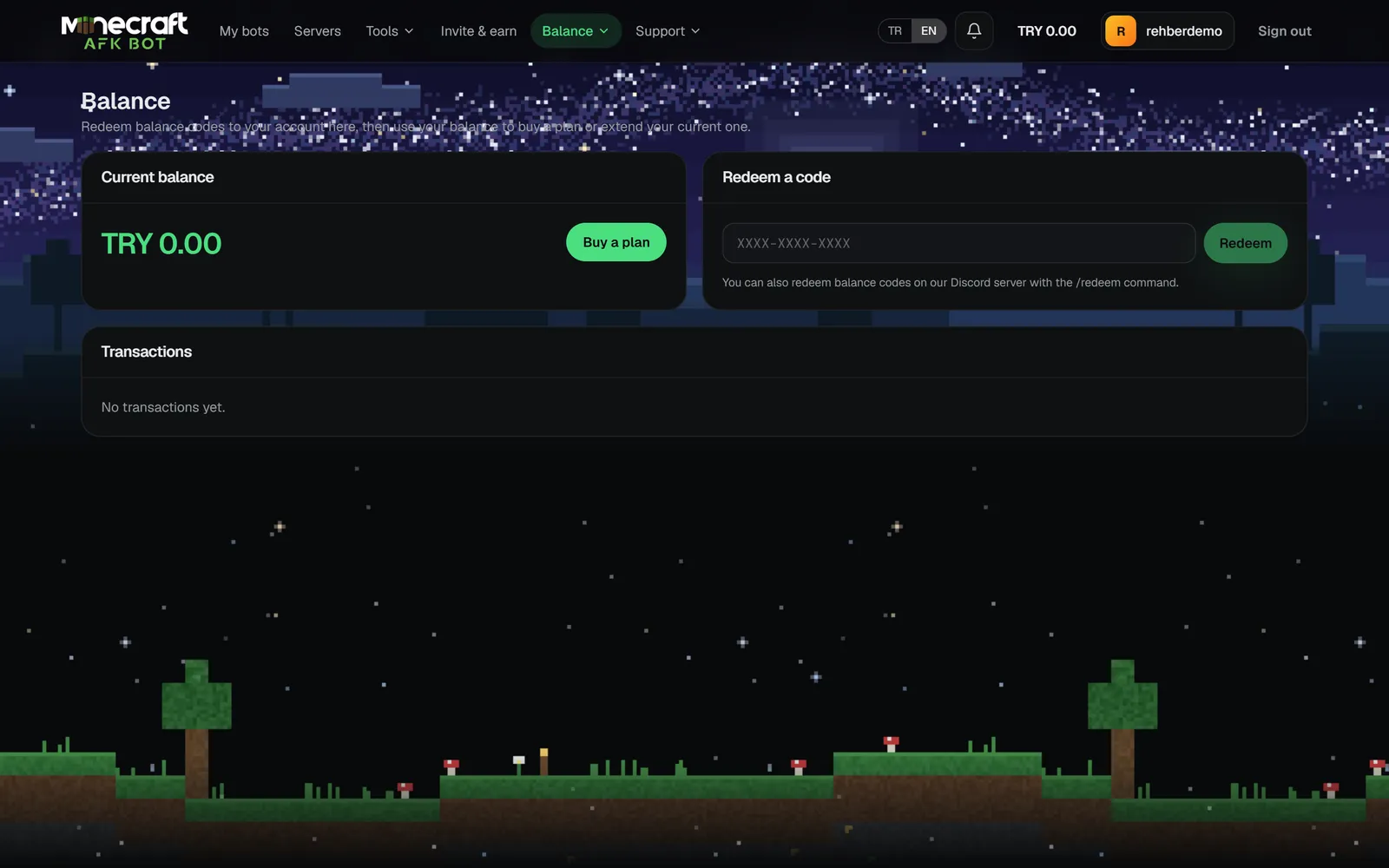
Redeeming a code
- 1Open Balance → Balance & codes.
- 2Enter the code in
XXXX-XXXX-XXXXform and confirm. - 3The amount is added at once and shows in Transactions.
You can also redeem on Discord with /redeem (your account must be linked).
- Codes never use 0, O, 1, I or L to avoid mix-ups.
- Each account can use a code only once; some codes have a use limit or an expiry date.
- You can try at most 5 codes per minute.
Adding balance by card
When payments are enabled, pick or type an amount in the Add balance card on the Balance page and complete the payment on the HipoPay page. Your balance updates automatically once the payment is confirmed.
Transactions
The list on the balance page shows code top-ups, plan purchases, refunds and admin adjustments with their dates.