

Getting started
Creating an account and verifying your email
How to open an AFKBot account, verify your email, and why verification is needed for the free bot slot.
Last updated: October 29, 2026
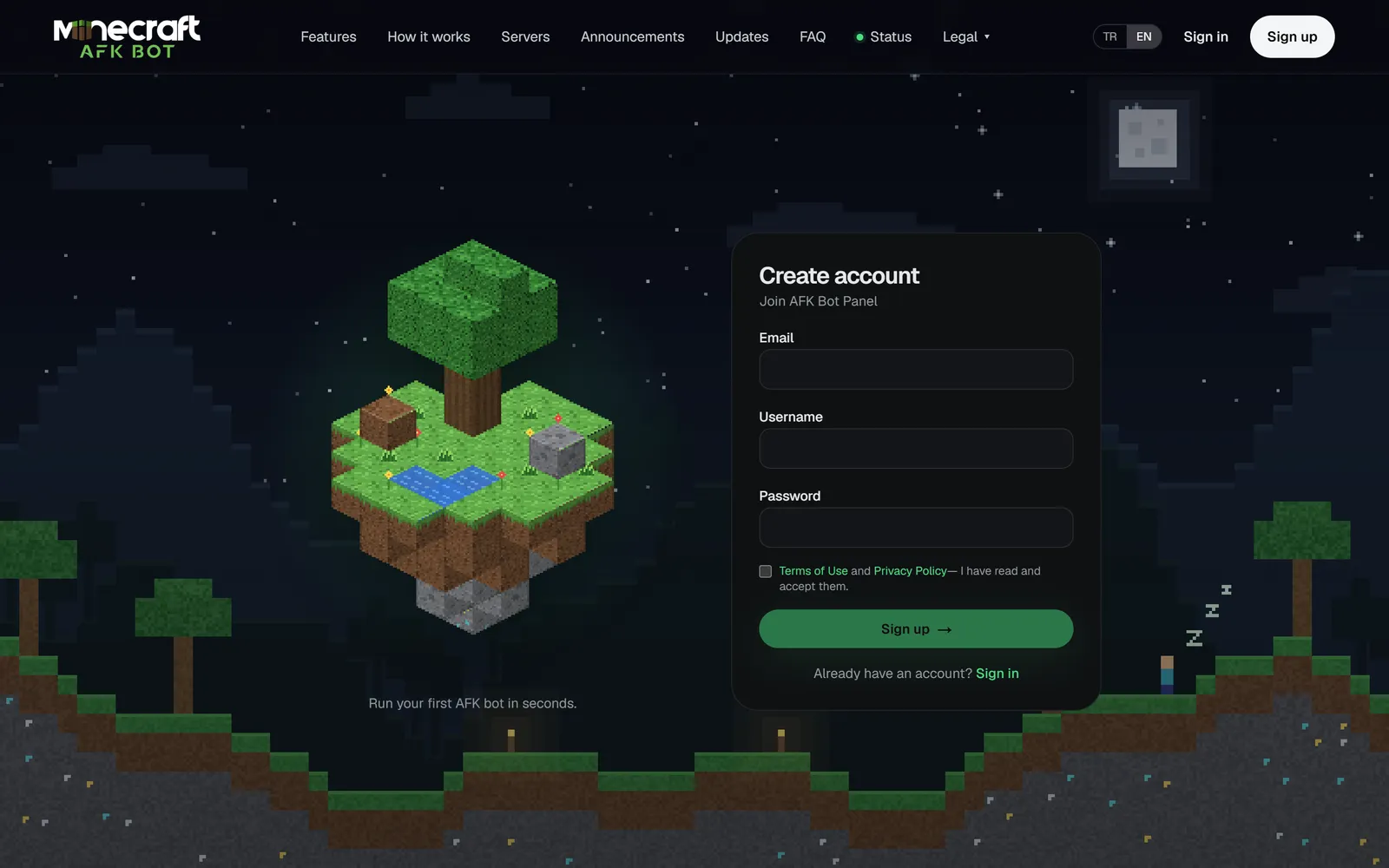
Sign up
- 1Click Sign up in the top right.
- 2Enter a username (3-24 characters; letters, digits,
_,.,-), an email address and a password of at least 8 characters. - 3Accept the terms and finish signing up. The panel opens.
- 4Click the verification link sent to your inbox.
Why verify your email?
The free bot slot can only be used by accounts with a verified email. Until you verify, you cannot start a bot on the free slot; bots on plan or reward slots are not affected. If the email did not arrive, use Resend in the banner at the top of the panel and check your spam folder.
Signing in
- You can sign in with your email or your username.
- With Remember me ticked you stay signed in on this device for 30 days.
- If you forgot your password, use Forgot password on the sign-in page to get a reset link by email.
For all account settings see Profile settings.