

Account and support
Profile and account settings
Changing your email and password, signing out other sessions, choosing a language and email preferences.
Last updated: October 29, 2026
Open your profile by clicking your username in the top right.
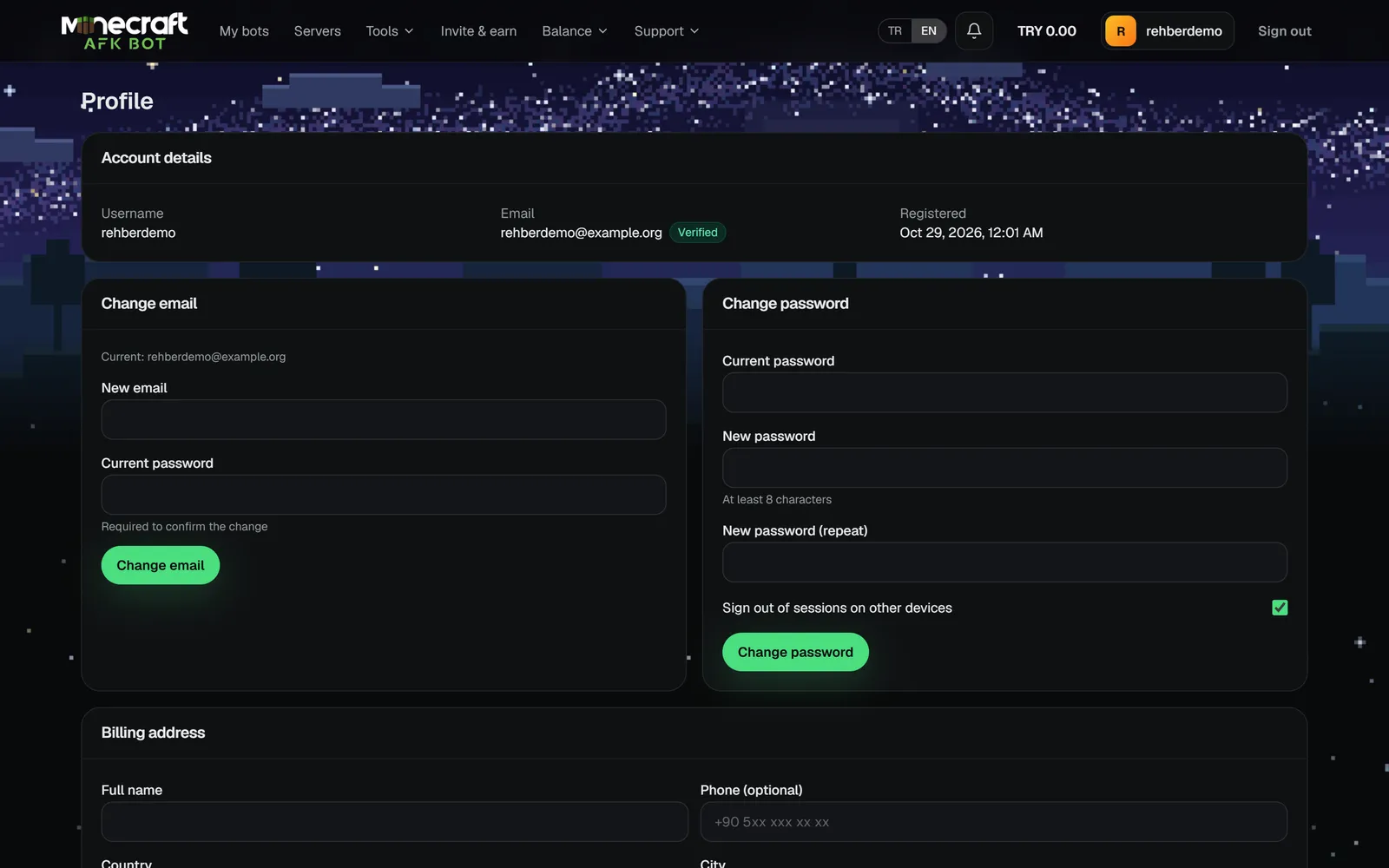
| Card | What it is for |
|---|---|
| Account details | Username, email (and whether it is verified) and sign-up date. |
| Change email | Enter the new email and your current password; confirm it from the link sent to the new address. |
| Change password | Current and new password (at least 8 characters). Can sign out your other devices. |
| Billing address | See Billing address and refunds. |
| Discord link | See Linking your Discord account. |
| Email notifications | Turns ticket reply and announcement emails on/off. |
| Dil / Language | TR or EN. The panel, emails and the Discord bot use this language. |
| Sessions | Sign out from all other devices; they are signed out within 15 minutes. |

