

Servers and proxies
Using a proxy
Make the bot connect through your own SOCKS5 or HTTP proxy, and how the system proxy pool works.
Last updated: October 29, 2026
Which connection does the bot use?
- 1If your own proxy is selected in the bot's settings, it uses that.
- 2With Automatic (system pool) it uses a random proxy from the AFKBot pool.
- 3If the pool is empty it connects directly.
Adding a proxy
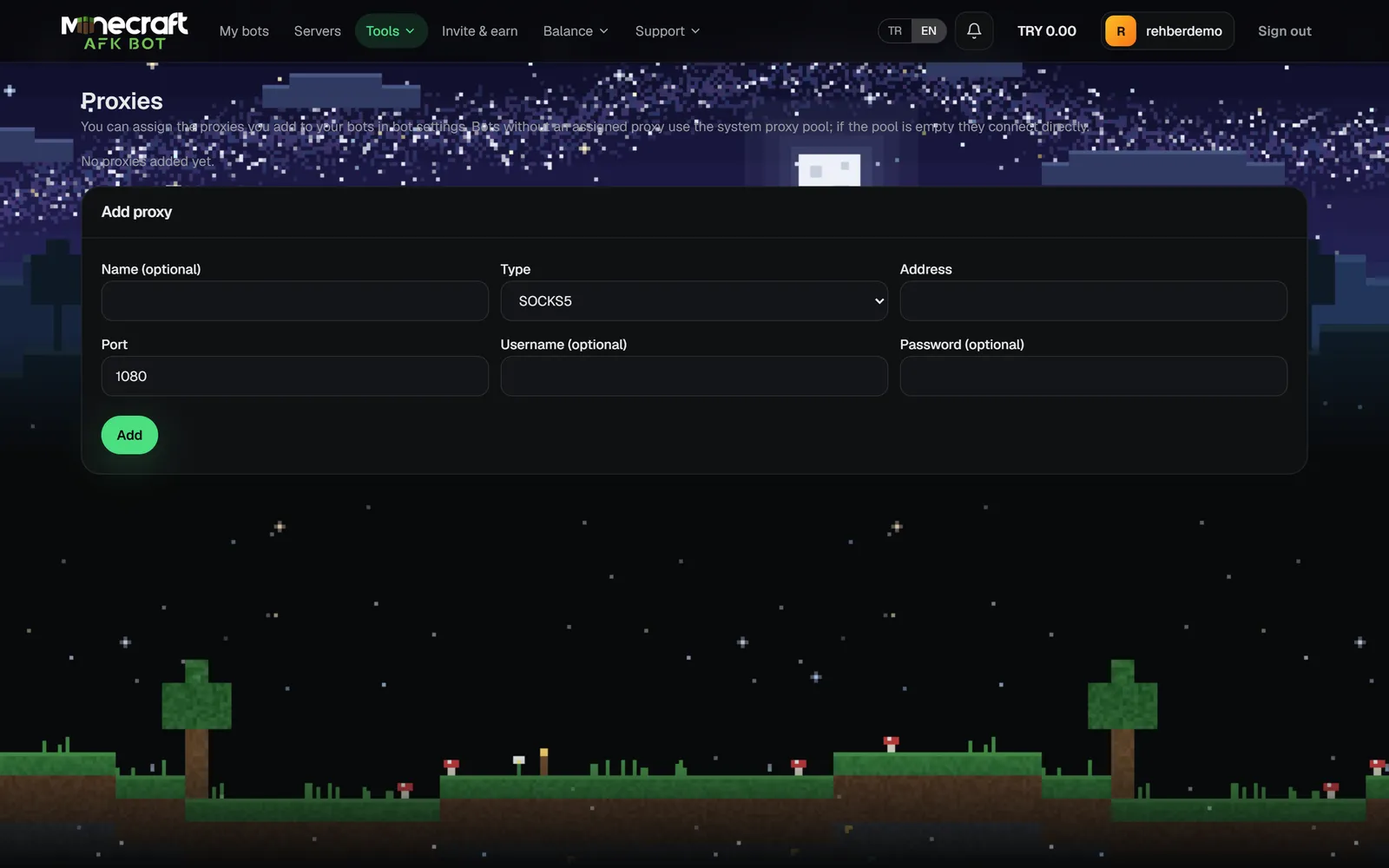
- 1Open the Add proxy tab under Tools → My proxies.
- 2Enter a name, type (SOCKS5 or HTTP), host and port. Add a username and password if needed.
- 3Try it with Test and save.
- 4Pick it from Connection proxy in the bot's settings.
No proxy of your own? You can buy a ready package: Buying proxies.