

Modules
Block placing
Place the held block ahead of the bot or at a relative position. Two methods: looking like a player (vanilla) and by packet.
Last updated: October 29, 2026
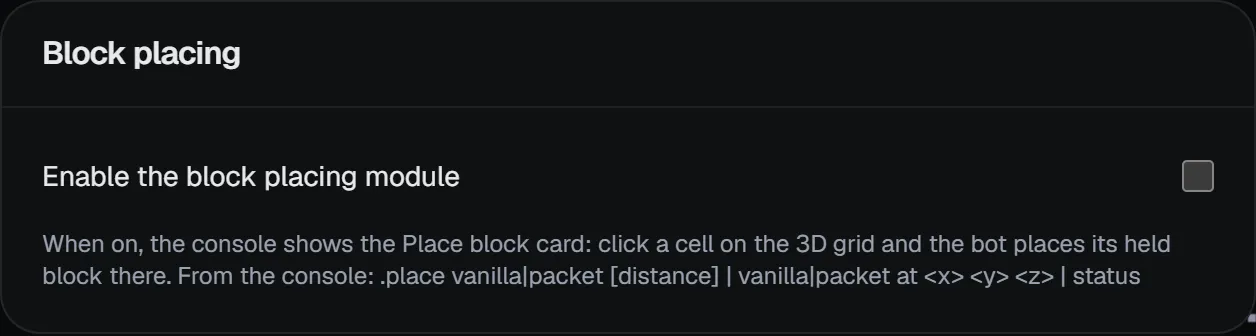
When on, a Place block tab appears in the right column: click a cell on the 3D grid and the bot places its held block there. You can do the same with commands:
.place vanilla 3
.place packet at 1 0 2
.place status| Method | Description |
|---|---|
vanilla | Looks at the spot like a player. Safer on servers with anti-cheat plugins. |
packet | Places directly by packet without turning. Faster. |
The at <dx> <dy> <dz> coordinates are relative to the bot's block.