

Macros
Community macros
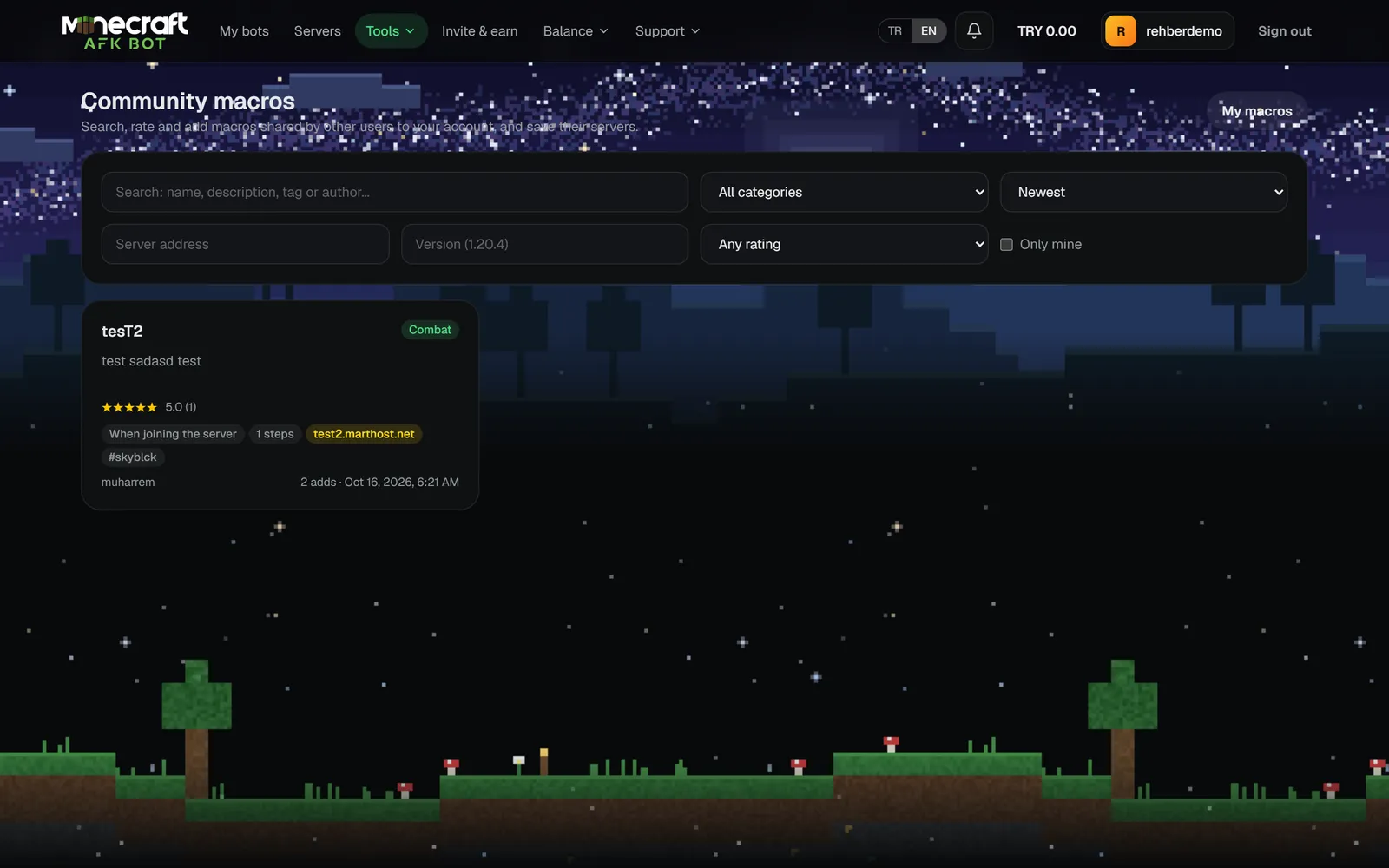
Find, rate and add macros others have shared, and publish your own macro to the community.
Last updated: October 29, 2026
Finding and adding macros
- On Tools → Community you can search macros and filter by category and server.
- A macro's page shows its steps and reviews. Add to my macros copies it to your list.
- Save the macro's server to your saved servers with Add to my servers.
- Recommended for you on the Macros page first shows macros shared for the servers your bots are on.
Rating and reporting
Rate macros 1-5 stars and leave a review (not your own). Report a macro that breaks the rules with Report.
Publishing your macro
- 1Click Publish next to the macro on the Macros page.
- 2Write a description of at least 10 characters and pick a category (AFK, Economy, Chat, PvP, Farm, Other).
- 3Optionally add up to 5 tags, a server and a version; publish.