

Getting started
Plans and running slots
How the free slot, plans, invite and giveaway rewards work, and what it means that each bot is tied to a plan.
Last updated: October 31, 2026
A slot lets you run one bot at a time. How many bots you can create is a separate limit; how many can run at once is limited by your slots. The My running slots card on the My bots page lists all of them.
Slot types
| Type | Where it comes from | Note |
|---|---|---|
| Free | Every account gets it. Linking your Discord account adds an extra free slot. | Needs a verified email; total capacity for free bots is limited. |
| Packet | Bought with balance. | The slot closes when the plan ends. |
| Invite reward | From invite & earn tiers. | Runs separately with its own duration. |
| Giveaway reward | From Discord giveaways. | Runs separately with its own duration. |
Each bot is tied to one plan
The plan you pick when creating a bot decides which modules it can use. For example the generator miner only works on a bot tied to a plan that includes it. You can change it later in the bot's Settings tab; if the bot is running, changing its plan restarts it.
All your slots of the same plan are pooled into one group: plans you bought, invite and giveaway rewards and (if it uses the same plan) your free slot. For example, with 2 Basic plans you run 2 bots in the Basic group. Plan slots are used first; any extra bots run on the free slot and follow the free rules (email verification, sleep).
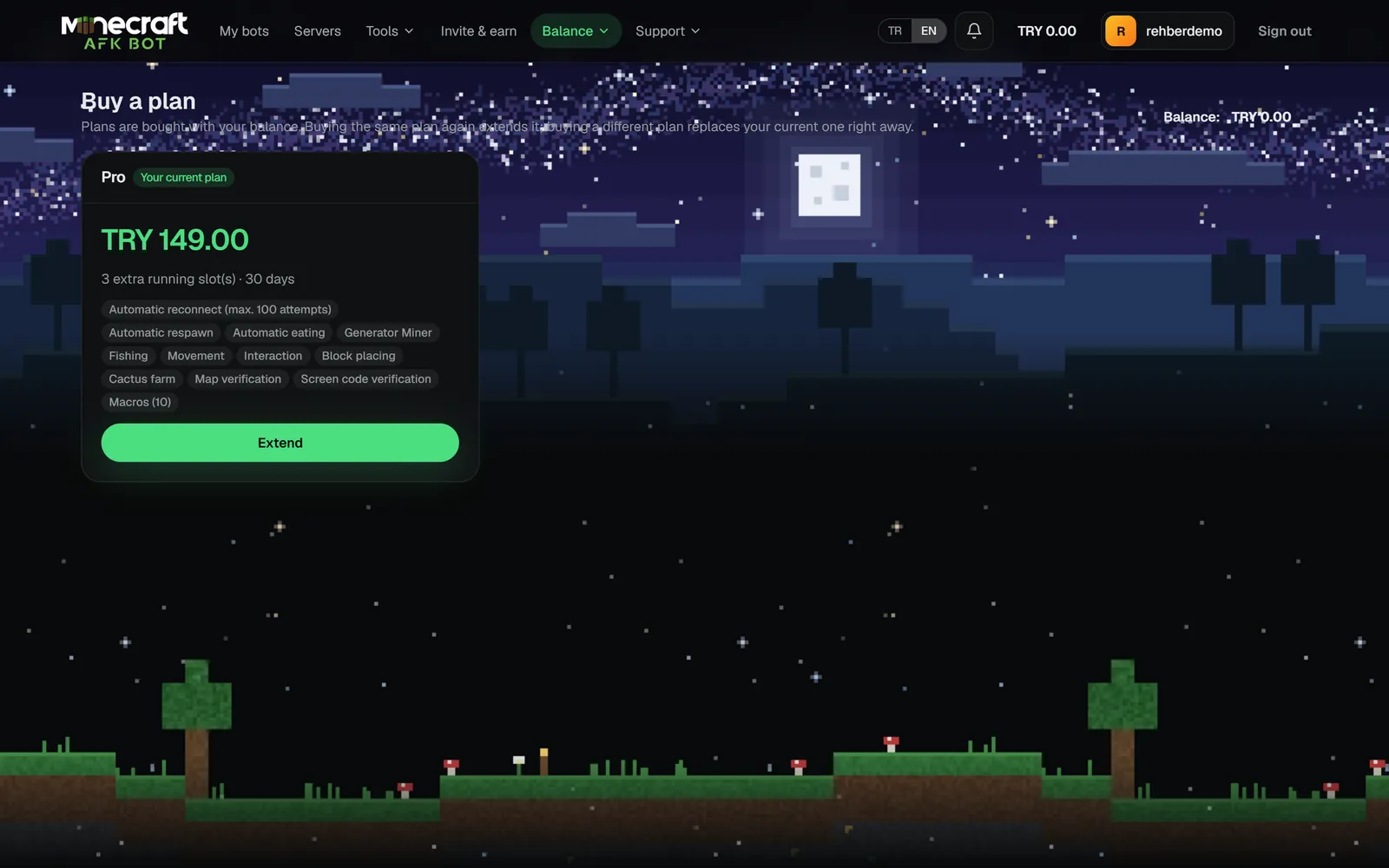
What happens when a plan ends?
- When a slot ends, its group shrinks and the bot started last in that group is stopped.
- If nothing is left in the group and you have another slot, pick a new plan in the bot's settings and start it again.
- Before it ends, you can extend your plan by 1-12 months with Renew on the My running slots card.
- Your bots and settings are not deleted; they just stop running.